IPTV Movies and Series on Your Devices
The on-demand experience depends on the verified catalogue, region, player, and plan terms.
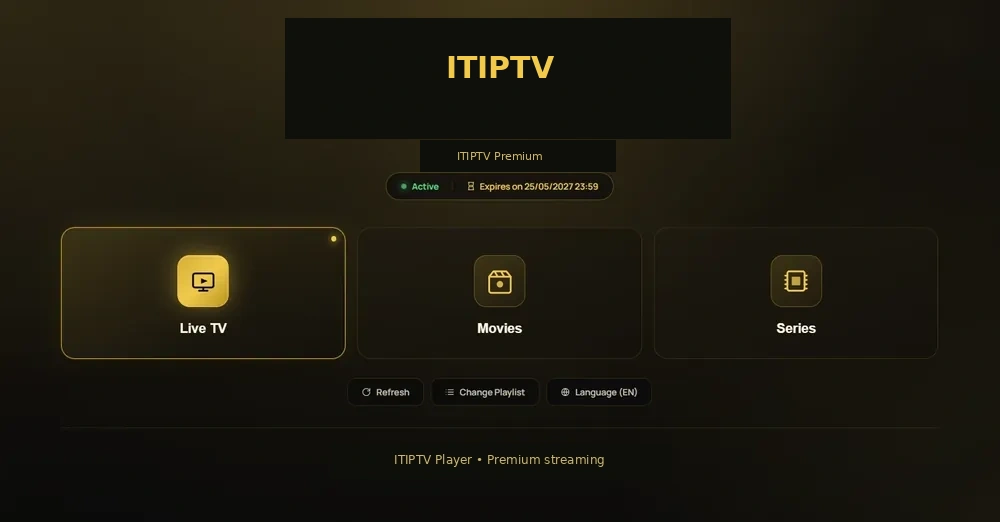
Movies and entertainment in one viewing path
An IPTV movies page is about how a viewer discovers and watches on-demand entertainment. Depending on the current catalogue and player, the experience may include movies, series, documentaries, family categories, language filters, favourites, or search. ITIPTV should confirm the exact options available for your device and plan rather than promise an unverified catalogue size.
Movies and live TV serve different habits. Live TV is organized around a schedule and a channel; VOD lets the viewer choose a title when they are ready. If you want both, ask how the categories appear in the player you will use.
What to check before ordering
- Is the movie or series category available in your region?
- Does your player support search, favourites, or the guide features you need?
- Which audio, subtitle, or language choices are actually available?
- What picture-quality options can your device and connection handle?
- Does your selected number of connections suit the people who will watch?
Use the ITIPTV subscription guide to compare duration and connections, then ask for current payment instructions on WhatsApp.
Devices for movies and series
A large screen can be convenient for family viewing, while a phone or tablet may suit travel or a second room. The device page matters because the operating system, player controls, and network connection affect browsing and playback. Start with the Smart TV guide, Firestick guide, or Apple TV guide.
Playback and catalogue troubleshooting
If a title does not play, test another title and category first. Restart the player, check the network, confirm the device time, and note the exact title or category. A missing title may be catalogue availability; a black screen across all content may be a device or player issue. The IPTV troubleshooting guide explains the difference.
Related entertainment resources
Read what IPTV is, how to choose a subscription, and how to install IPTV. When you are ready, use WhatsApp to ask about the currently available movies, series, and order terms.
Subtitles, audio, and player features
Audio languages, subtitles, search, favourites, and resume playback can depend on the individual title and the player. If one of these features matters to you, mention it in the WhatsApp conversation before ordering. Do not assume that a feature shown by one player is available on every device.
For a large-screen setup, compare Smart TV IPTV and Firestick IPTV. For a phone or tablet, ask which player and access method match your operating system.
Movies troubleshooting checklist
- Try another title in the same category.
- Try a live category to compare playback.
- Restart the player and confirm the device network.
- Check whether subtitles or audio options exist for that title.
- Send the title, player, device, and error to support.
How to make movie browsing easier
Decide whether you want to browse by genre, language, release type, family category, or a specific title. Then ask how the current player exposes those options. Some players make search easy, while others work better with categories and favourites. Knowing the player’s strengths helps you choose a device that feels comfortable for everyday viewing.
If a movie or series is important to your decision, ask ITIPTV to confirm the title or category before payment. Availability can change and a title may be different across regions. A transparent answer is more valuable than an unsupported catalogue-size claim.
Watching on more than one screen
Households should decide where viewing will happen: living-room TV, bedroom TV, phone, tablet, or computer. Select a connection count that matches the plan terms and the devices you actually intend to use. If a second device uses a different player, confirm that before ordering.