How to Install IPTV on Firestick
Fire TV devices are easy to navigate, but the player and access method depend on the service and plan.
What you need
- Working Fire TV or Firestick.
- Stable internet connection.
- Approved player.
- Access information after WhatsApp order confirmation.
Installation steps
- Open the official app store.
- Install the approved player.
- Select the supported login option.
- Enter the information supplied by ITIPTV.
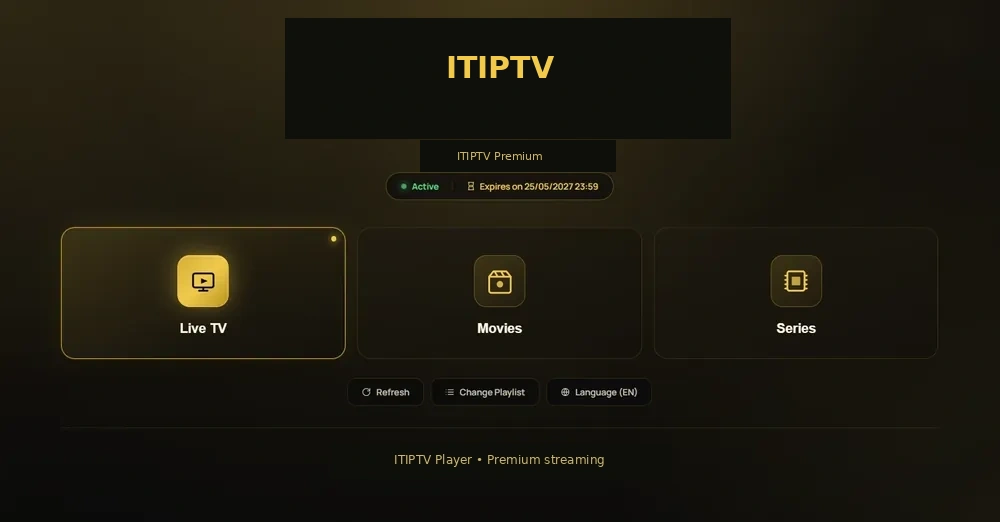
- Refresh and test categories.
Troubleshooting
Restart device and router, clear player cache, check storage, and send player name, device, and time of problem.