IPTV Subscription Plans for Clear, Flexible Viewing
ITIPTV helps you compare a subscription duration and the number of connections before you order. Payment options and activation steps are confirmed directly on WhatsApp.
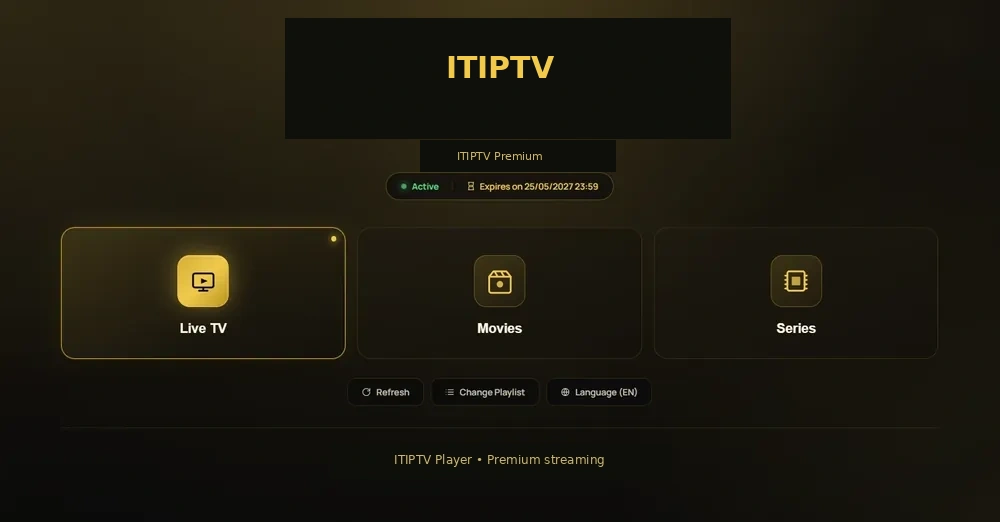
What an IPTV subscription is
An IPTV subscription gives a customer access to a service catalogue through a compatible player and an internet connection. The experience may include live television categories, sports and events, movies, series, family viewing, or other content that the operator has made available for the selected plan. The exact catalogue, regions, player support, and picture-quality options must always come from the current ITIPTV information.
ITIPTV uses WhatsApp as the order and support channel. Selecting a plan does not process a payment by itself. It creates a clear starting point for a conversation in which the duration, connections, price, current payment methods, trial terms, refund terms, and activation process can be confirmed.
Choosing the right plan
Start with how long you want to use the service and how many people need to watch on supported connections. A single-screen plan may suit one viewer, while a household may need two, three, or four connections according to the plan terms. More connections should not be assumed to mean more catalogue access; confirm what each option represents before ordering.
1-month plan
A short, flexible option for customers who want to start with a defined monthly term.
Review the plan3-month plan
A shorter commitment for customers who want a defined term and a simple first conversation.
Review the plan6-month plan
A medium-duration option for customers who already understand their viewing routine.
Review the plan12-month plan
A longer option for customers who prefer to arrange their viewing for a full term.
Review the planWhat to check before ordering
- Confirm the current catalogue and the categories you want to watch.
- Check the exact Smart TV, Firestick, Android, Apple, Windows, or Mac device you plan to use.
- Ask which player and login method are supported for that device.
- Confirm the displayed duration, connections, price, and currently available payment options.
- Ask about trial availability, refund eligibility, renewal, and the real activation process.
These checks prevent a common ordering mistake: choosing a plan first and only discovering later that the device, region, or desired category needs confirmation. ITIPTV is intended for supported European markets where the service may be lawfully provided; ask about your location before payment.
How the WhatsApp order works
Choose the screen selector and plan on the pricing section. The button opens a prefilled WhatsApp message containing the selected duration, number of connections, and displayed price. ITIPTV then confirms the currently available payment instructions. WhatsApp is not presented as a payment processor, and no credentials are generated by the website.
After the customer confirms the order and payment through the agreed method, activation follows the real ITIPTV support process. Keep the order conversation and reference available if you later need installation help.
Related ITIPTV guides
Compare IPTV channels, understand IPTV sports viewing, or explore movies and entertainment. If you already know your device, use the Smart TV guide, Firestick guide, or installation hub.
Plan questions worth asking
Ask whether the displayed connection count describes simultaneous use, which devices can use it, and whether the same catalogue applies across the duration options. Confirm what happens at the end of the selected term and whether renewal is automatic or requires a new order. These details are more useful than choosing a plan from the label alone.
It is also worth asking how support handles a device change. A customer may begin on a Smart TV and later move to a Firestick or phone. The support conversation should explain whether the new device is covered, what information is needed, and whether any setup step changes.
Before you send payment
Keep the WhatsApp message, the selected plan, the displayed price, and the payment instructions together. Check that the payment recipient and method match the information supplied by ITIPTV. Do not send a payment to a different account because of a message from an unknown contact. If anything looks different, pause and ask the official ITIPTV WhatsApp contact.