Explore IPTV Channels by Category
A useful channel page explains categories and availability without promising a number that has not been verified. ITIPTV confirms the current catalogue through WhatsApp.
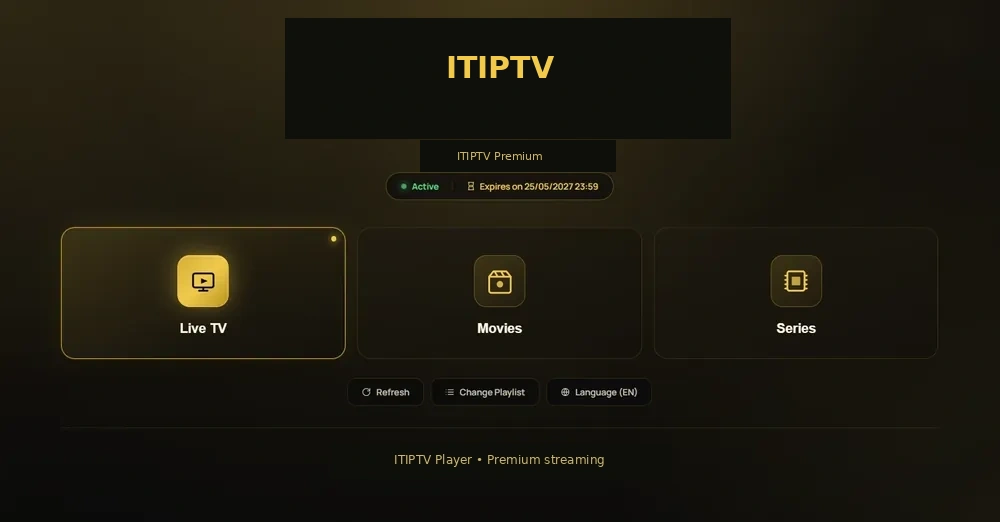
Explore live TV by category
A channel page is most useful when it helps a viewer decide what to ask for. ITIPTV can organize the current catalogue around live TV, news, sports, movies, series, children’s programming, family viewing, documentaries, music, and international content. Availability can vary by region, rights, device, player, and the current service configuration.
Live TV and news
Ask which live channels and news feeds are currently available in your region and language.
Sports and events
Send the sport, league, event, and date so support can confirm the current listing.
Movies and series
Use the IPTV movies and series guide to ask about the on-demand categories.
Kids and family
Confirm the family categories and the device that children will use.
International content
Tell ITIPTV which language or region matters before payment instructions are sent.
Guide data
Ask whether the player supports EPG or other guide features for the selected catalogue.
Why availability should be confirmed
Live channel lists are not permanent promises. Feeds, rights, regional availability, and player support can change. A responsible order conversation identifies the customer’s region, device, language, and category instead of relying on an unverified count or a copied list.
When you contact ITIPTV, describe what you actually want to watch. For example, name the sport or league, the language of a news feed, or the type of movie category. This gives support a useful question to answer.
Devices and the live TV experience
The same catalogue may feel different on a Smart TV, Firestick, Android box, Apple TV, phone, or computer. Screen size, player controls, EPG support, network connection, and device performance all affect the viewing experience. Start with the IPTV installation guide and confirm your exact model before ordering.
If your main interest is entertainment rather than live channels, continue to explore movies and series or compare the subscription options.
What to ask on WhatsApp
- Is the category available in my region?
- Which device and player should I use?
- Does my plan include the connection count I need?
- Which payment methods are currently available?
- What are the current trial, refund, and activation terms?
Live TV, guide data, and player controls
A channel may be available while guide data is missing, or a guide may display a title that is no longer available in the current feed. Players also differ in how they search, group favourites, load languages, and show programme information. Ask which controls are supported on your device.
If the goal is to find a specific movie or series rather than follow a schedule, use the movies and series page. If the goal is a live match, use sports viewing guidance.
Using categories to find what you need
A useful channel catalogue should help a viewer answer practical questions: what is live now, what is available in a preferred language, which category contains a sports event, and whether a family member can find a suitable programme. Player features such as search, favourites, guide data, and category filters can make a bigger difference than the number of entries in a list.
When asking about availability, give support enough context. A request for “sports” is broad; a request that names the sport, region, date, language, and device is much easier to check. The same approach works for news, movies, children’s content, and international programming.
Keep the catalogue question current
Do not rely on an old screenshot or a cached list. Ask ITIPTV for the current information before payment and again if a category matters for a specific event. If the catalogue changes, the page should be updated from the owner’s verified source rather than copied from another provider.