What Is IPTV and How Does It Work?
IPTV means Internet Protocol Television: television and on-demand content delivered through an internet connection.
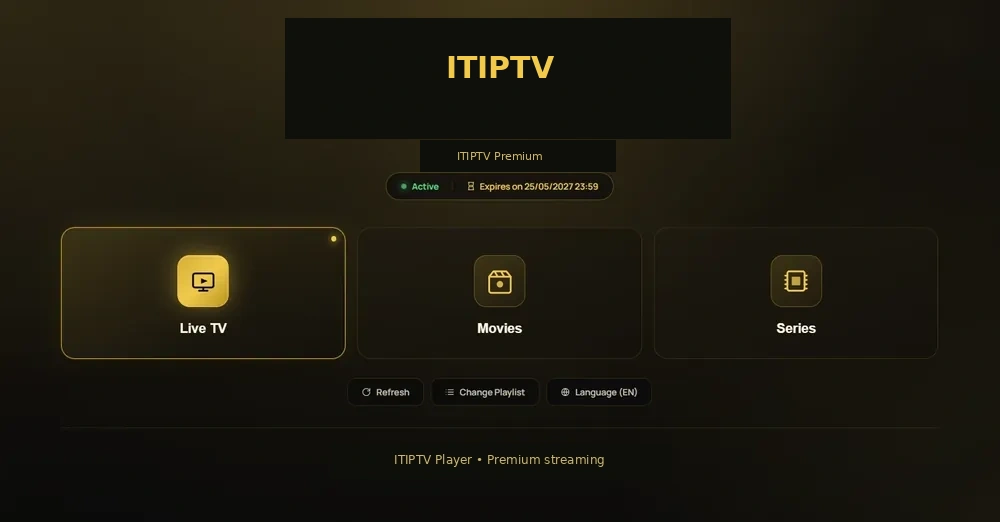
IPTV in plain language
IPTV means Internet Protocol Television. Instead of receiving television through a traditional broadcast or cable path, a player retrieves the service over an internet connection. The viewer normally needs a compatible device, an IPTV player, and access information supplied by the service operator.
IPTV is a delivery method, not a promise about a particular catalogue. The content available, the regions served, the player, and the account terms depend on the provider. That is why a useful buying decision starts with the device and viewing priorities, not only a headline claim.
Live TV and VOD are different experiences
Live TV is organized around a channel and a schedule. The viewer joins a programme while it is being broadcast through the service. VOD, or video on demand, is organized around a title that the viewer chooses. A player may place both types of content in the same interface, but the controls and availability can differ.
If you mainly follow live events, start with the ITIPTV sports guide. If you mostly choose films and series, read the movies and entertainment guide.
What happens during a normal IPTV session
- The device connects to the home or mobile network.
- The player opens the access method supplied by the service.
- The player requests the current catalogue or selected stream.
- The device decodes and displays the content.
- Guide, search, favourites, and playback tools depend on the player and service.
This explains why the same access information can feel different on a Smart TV, Firestick, Android box, Apple TV, phone, or computer.
Terms beginners should understand
Player
The app or software used to display the service on a device.
EPG
Electronic Programme Guide data shown beside live channels.
VOD
Video on demand: titles selected instead of joined from a live schedule.
Connection
A simultaneous screen option defined by the selected plan.
Questions to ask before choosing a service
- Which exact devices and players are tested?
- Which categories and regions are available now?
- How does the order and payment-instructions process work?
- How do trial, refund, renewal, and support terms work?
- What information should be included in a troubleshooting request?
Use the ITIPTV subscription page to review plan choices, then contact WhatsApp support before payment.
Related reading
Continue with how to choose an IPTV subscription, the beginner setup guide, or device installation.
How the network affects IPTV
IPTV travels through the customer’s network, so router placement, Wi-Fi interference, other devices, and the receiving device all matter. A connection can look fast in one room and behave differently at the television. Diagnose the actual device that will be used.
Privacy and account safety
Use a reputable player, keep access information private, and do not send device or email passwords to a provider. A support team may need an order email or device model, but it should not need a full payment credential.
Choosing responsibly
Ask for the current catalogue, regional availability, payment methods, trial and refund terms, and device support. Use a service only where the content you access is permitted in your region. Continue to the ITIPTV FAQ or contact support.
Why the player matters
The player controls how categories, guide data, favourites, search, and login fields appear. Two players can behave differently on the same device, so ITIPTV setup guidance should name the tested device and player combination.
Responsible use before ordering
Ask about current catalogue, regional availability, support, payment instructions, trial and refund terms. Use a service only where the content you access is permitted. Continue to the ITIPTV FAQ or contact support.
What IPTV does not automatically mean
IPTV does not by itself guarantee a particular number of channels, a specific sport, a language, a resolution, a device, or a legal status. Those details belong to the operator, catalogue, rights position, and plan. A strong customer asks for current information instead of treating the delivery technology as a promise.
Use the terminology carefully
A provider may use terms such as live TV, VOD, EPG, catch-up, connections, player, playlist, or portal. Ask what each term means in the selected plan. This avoids confusing a feature of an app with a feature that the service actually supplies.