IPTV Setup Guide for Beginners
The easiest setup is a documented sequence from device choice to first test.
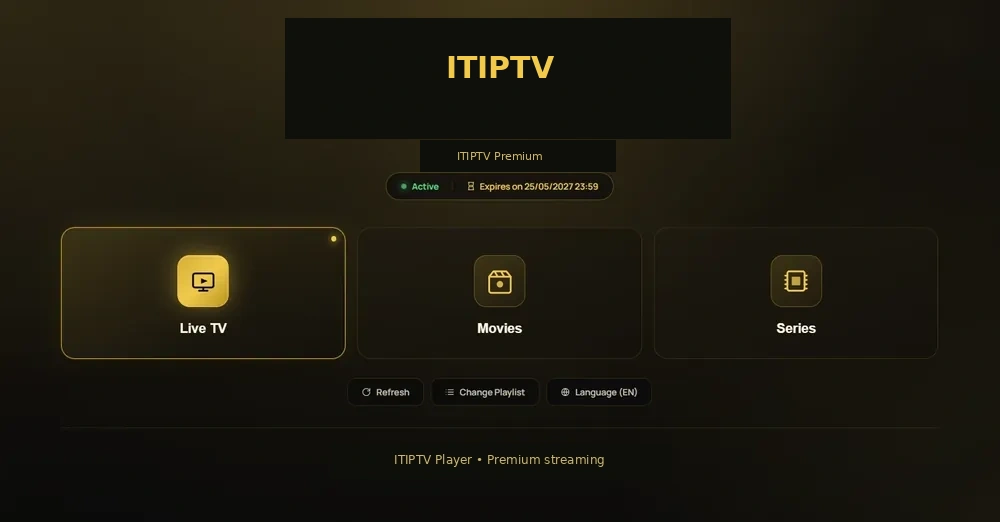
1. Check the internet connection
Start with the network where you will watch. Note whether the device uses Wi-Fi or Ethernet, whether other people stream at the same time, and whether the router is far from the television. A stable connection is more useful than a theoretical maximum speed.
2. Identify the device
Write down the model and operating system: Samsung Smart TV, LG Smart TV, Firestick, Android TV, or Apple TV. Do not assume that two devices with similar names use the same player.
3. Prepare the access information
ITIPTV sends access information through the verified activation process after the customer confirms the WhatsApp order and payment. Keep the order email and plan details private. Never ask a browser page to generate credentials.
4. Install the supported player
Use the official app store or source approved for your device. Select the login method ITIPTV has confirmed for your model. If you are not sure, use the installation hub or ask WhatsApp support.
5. Test playback
- Open one live category.
- Test an on-demand category if included.
- Refresh guide data if the player provides it.
- Check audio and picture settings.
- Record any error before changing more settings.
6. Fix common problems
Restart the player and router, check device time, inspect storage, and test another category. The IPTV troubleshooting page explains what to send support.
7. Contact ITIPTV
Send the device, player, plan, order email, category, timestamp, and error. Specific information helps support answer the right question.
Step 1: check the connection
Identify the network where the device will be used. Note whether the TV is on Wi-Fi or Ethernet and whether other devices will stream at the same time. This information helps explain a later buffering problem.
Step 2: identify the device
Write down the model and operating system. Samsung Smart TV, LG Smart TV, Firestick, Android TV, and Apple TV may use different players and login screens. Go to the relevant installation guide.
Step 3: order through WhatsApp
Select duration and connection count, then open the generated WhatsApp message. ITIPTV confirms the current payment options and order details. Do not send payment until you understand the terms.
Step 4: prepare access information
After the real activation process, keep the access information private and enter it only in the supported player. A browser page should not generate or display credentials.
Step 5: test playback
- Open one live category.
- Test on-demand if part of the service.
- Check audio and player controls.
- Refresh guide data if available.
- Record exact errors.
Step 6: ask for help
Send device, player, plan, order email, category, time, and error on WhatsApp. The playback problems guide helps you describe the issue.
Before contacting support
Write down the device model, operating system, player, plan, connection count, and order email. Note whether the failure affects one category or the whole player. This turns “IPTV is not working” into a useful diagnostic request.
Keep the account safe
Do not post access information in screenshots, send device passwords, or install modified players from unknown accounts. Use the official store or source approved for the device.
What success looks like
Test one live category, guide data if available, player controls, and an on-demand title when relevant. Continue with what IPTV means, device guidance, and troubleshooting.
Make a small first test
Do not test every category at once. Open one live category, wait for the player controls to work, and then try another category or on-demand title if included. This gives you a baseline and makes a later error easier to describe.
Ask questions before changing devices
If a player does not work, ask whether the model is supported before buying a new box. Send ITIPTV the device and operating system. A different device may help, but it should be chosen from confirmed compatibility rather than guesswork.