Common IPTV Playback Problems and Solutions
Record what happens, where, and which device and player you used.
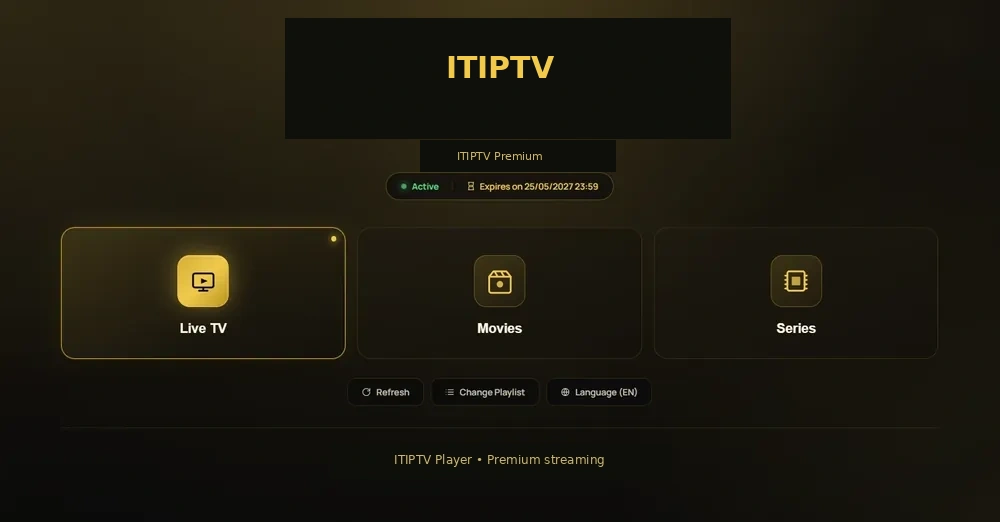
Black screen
A black screen can be caused by a player, device output, category, login, or network issue. Test a second category and restart the player. If only one title fails, record its name; if all playback fails, check access and connection first.
Audio problems
Check mute, volume, player audio selection, device output, and whether the problem affects one title or all content. Do not assume that every audio language or subtitle option exists for every title.
EPG or missing category problems
Refresh the guide, confirm timezone, and compare another category. EPG data, live channels, and on-demand titles can be affected differently by a player or current catalogue.
App crashes
Restart the device, close other apps, check storage, and update the supported player. If the device is modified or uses an unofficial build, support may not be able to reproduce the issue.
Black screen or no playback
Test another category and restart the player. Check access fields for spaces and confirm the device network. If only one title fails, record its name and time.
Freezing and buffering
Check Wi-Fi position, network activity, storage, player updates, and the time of the problem. Use the buffering diagnostic sequence.
Audio and subtitle problems
Check mute, output, player language settings, and whether the option exists for the title. Do not assume every audio language or subtitle is available on every device.
Login errors
Check login method, extra spaces, device date/time, player version, and order status. Keep credentials private and contact support through WhatsApp.
EPG and missing categories
Refresh the guide, confirm timezone, and compare another category. Use the EPG guide for a fuller explanation.
Player crashes
Restart the device, close other apps, check storage, and update the supported player. Modified or unofficial players may not be supportable.
Send a useful report
Include device model, player name, plan, order email, category/title, exact error, time, and what you already tested. See the troubleshooting hub.
Diagnose one symptom at a time
Write down black screen, freeze, missing audio, login failure, missing guide, or app crash. Test a second category. A problem following one title differs from a problem affecting the whole player.
Device and network checks
Restart device and router, check storage, confirm date/time, and close other apps. If using Wi-Fi, compare the signal near the TV. If possible, test a second supported device without changing order information.
Player checks
Confirm player version and login method. Avoid advanced changes without recording original settings. Modified players may not be supportable.
Send a useful WhatsApp request
Include order email, plan, device, player, category/title, error, time, and tests. Link to the troubleshooting hub, buffering causes, and EPG help.