How to Set Up IPTV on an LG TV
LG IPTV setup depends on the model, webOS version, app availability, and player.
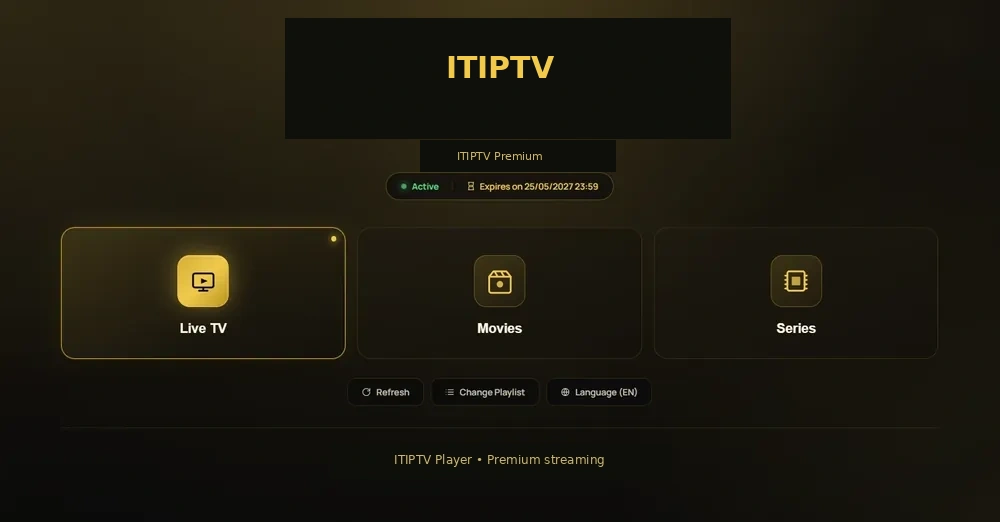
What to check
- Model number and webOS version.
- Whether a player is available in the official store.
- Network connection and storage.
- Plan and screen count.
Setup path
- Open the LG Content Store.
- Install a supported player.
- Enter access information after the WhatsApp order.
- Check the catalogue and settings.
- Contact support with the model and error.
Troubleshooting
Update TV software, restart the TV and router, and check whether the player is supported.